
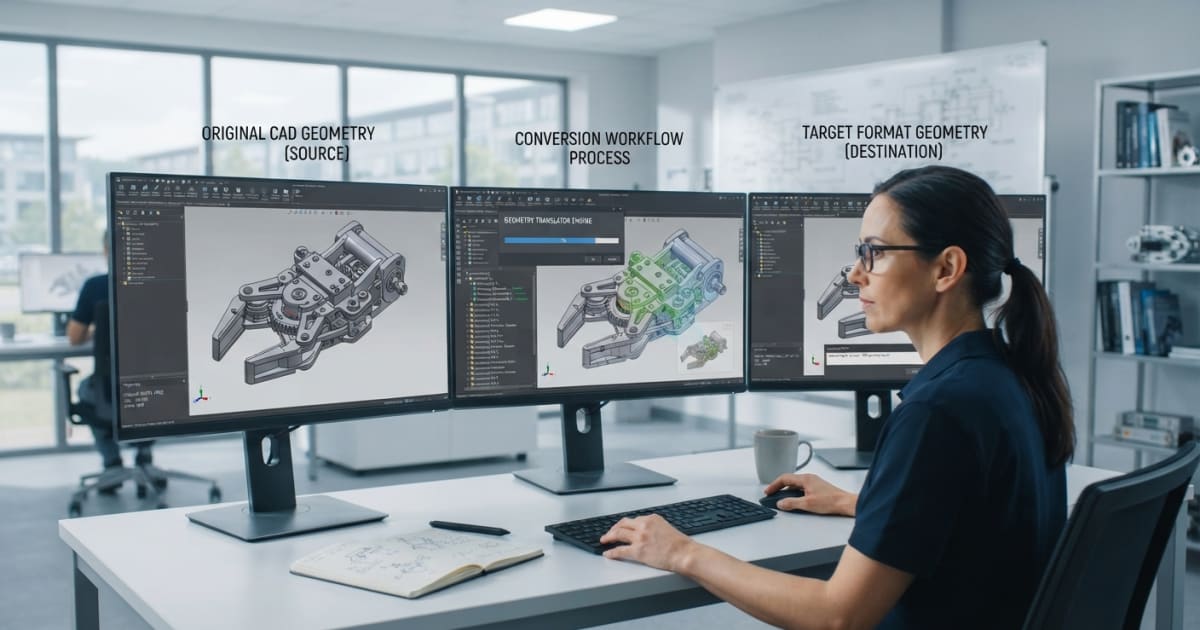
Modern engineering teams rarely work within a single software environment. Designers, manufacturers, suppliers, and engineers may rely on different CAD applications, each with its own file formats and data structures. In this environment, a dependable cad format converter can make it easier to exchange design information and keep projects moving without unnecessary interruptions.
CAD conversion is more than simply changing one file type into another. A well-planned conversion workflow considers data compatibility, model complexity, accuracy, validation, and how the converted files will be used afterward. By establishing a consistent process, engineering teams can reduce repetitive tasks and improve collaboration across departments and organizations.
Understanding the CAD Conversion Workflow
A typical conversion workflow begins when an engineering team receives or creates a model in a particular CAD format. The file may then need to be transferred to another application for design review, manufacturing preparation, simulation, analysis, or collaboration.
The first step is identifying the source format and the format required by the receiving system. This sounds straightforward, but complex projects can involve several file types and applications. Understanding these requirements before conversion helps teams avoid unnecessary processing and compatibility problems.
Preparing Files Before Conversion
Good preparation can make the conversion process more predictable. Teams should review source files for missing references, unnecessary components, or other issues that could affect the resulting model.
For assemblies, it is particularly important to understand how individual components and their relationships are represented. Large projects may contain hundreds or thousands of parts, so organizing the source data can also make validation easier after conversion.
Keeping original files unchanged is another useful practice. Maintaining the source data provides a reliable reference if the converted model needs to be checked or the process needs to be repeated later.
Selecting the Appropriate Conversion Technology
Different engineering workflows have different requirements. A converter should support the formats used by the organization and provide suitable capabilities for the types of models being processed.
For teams working with complex mechanical designs, considerations such as surface geometry, solid models, assemblies, and large datasets may be particularly important. Processing performance can also affect productivity when conversions are performed frequently.
Integration is another factor worth considering. Organizations with automated engineering workflows may benefit from conversion technology that can be incorporated into existing applications or processes instead of requiring every file to be handled manually.
Validating Converted Models
Conversion should not be considered complete as soon as a new file is generated. Validation is an important part of the workflow because the receiving application must be able to use the converted model correctly.
Engineers can compare important geometric features between the original and converted versions. For assemblies, they may also check whether components are present and correctly organized. If the model will be used for manufacturing or simulation, additional checks may be appropriate for the specific downstream application.
A structured validation process helps identify problems early, before they affect later stages of a project.
Managing Repeated Conversions
Engineering departments often convert files regularly rather than as a one-time activity. In these situations, establishing repeatable procedures can save time and improve consistency.
Teams can document supported formats, conversion settings, validation steps, and file-naming practices. Standardizing these activities makes it easier for different employees to follow the same process and reduces uncertainty when new projects arrive.
Automation may also be useful for organizations handling large numbers of files. Repetitive conversion tasks can potentially be incorporated into broader data-processing workflows, allowing engineers to spend more time on design and technical work.
Building a Reliable Engineering Data Workflow
Effective CAD conversion supports more than file compatibility. It can help connect different stages of the engineering lifecycle and make collaboration between teams more practical.
A strong workflow combines appropriate conversion technology with careful file preparation, validation, documentation, and quality control. When these elements work together, engineering teams can exchange models more efficiently while maintaining confidence in the data they use.
As engineering environments become increasingly diverse, reliable CAD format conversion remains an important part of digital product development. Organizations that treat conversion as a structured workflow rather than an isolated file operation can create a more consistent approach to managing and exchanging valuable design data. 3D CAD Kernel Selection for Engineering Software Products
#GeometryKernel #GeometricModeling